
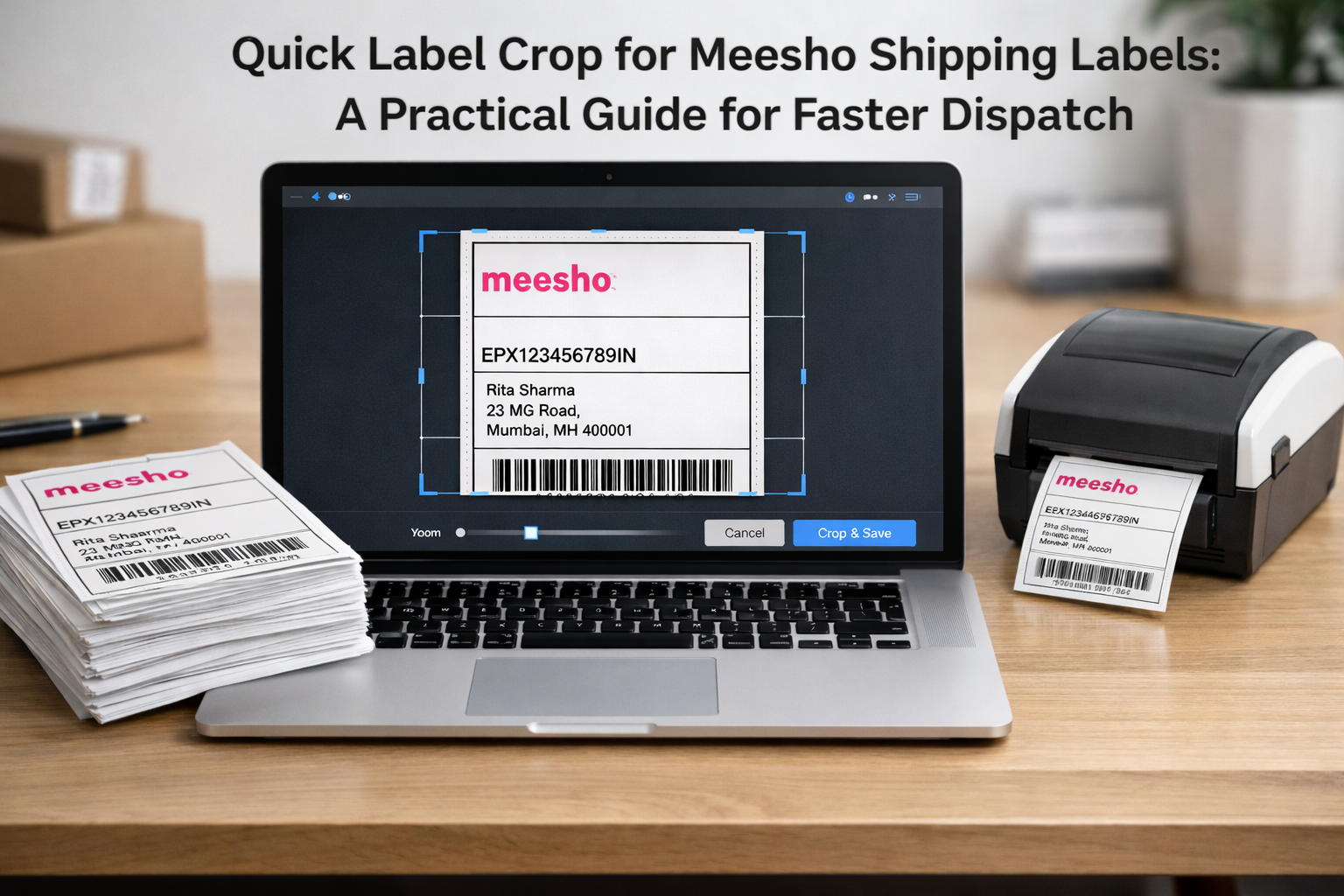
Meesho sellers handle multiple orders every day, and a large part of that workflow revolves around preparing shipping labels. While Meesho provides downloadable labels in PDF format, these labels often occupy a full A4 page with generous margins, making them difficult to print directly on sticker sheets or thermal printers.
To make printing smoother and more accurate, many sellers look for a quick label crop solution that doesn’t require software installations or long editing steps. That’s where lightweight online tools such as Fastcropper become useful.
Why Meesho Labels Need Cropping Before Printing
Meesho’s order labels are designed to be compatible with different paper sizes, courier partners, and packaging methods. But in practice, the extra white space and full-page formatting sometimes become barriers when printing.
Some common issues include:
- Labels consuming too much space on A4 sheets
- Barcode alignment shifting horizontally
- Text appearing small when reduced automatically by the printer
- Thermal printers not recognizing correct label dimensions
These are operational hurdles, not technical failures. Cropping the label helps reduce these issues by removing unnecessary areas and allowing printers to focus only on the essential information.
What Is a Meesho Label Cropping Tool?
A Meesho label cropping tool is a browser-based utility that allows sellers to crop their shipping labels directly from PDF format. Instead of opening a document editor or converting pages externally, you simply upload the Meesho PDF, select the visible label region, and download a cleaner version that prints accurately.
Tools like Fastcropper focus on this specific workflow without adding extra complexity. The goal is not design enhancement, but reliable preparation for printing and dispatch.
How the Quick Label Crop Process Works
Cropping a Meesho label online follows a short and straightforward sequence:
- Upload the PDF label downloaded from Meesho.
- Adjust the crop box around the label components — such as barcode, customer address, order ID, and return details.
- Preview the cropped output to ensure nothing important is trimmed.
- Download the print-ready label in a reduced and cleaner format.
Because the process is interactive, sellers can visually confirm every detail before sending a parcel to the courier pickup.
Why Sellers Prefer Browser-Based Tools
For day-to-day dispatch operations, speed matters. A browser tool avoids installation, licensing, or recurring setup steps. It simply lets the user open, crop, and print.
Browser-based Meesho label tools offer benefits like:
- No software learning curve
- No device dependency
- Works on Windows, Mac, or Chromebook
- Safe for routine bulk dispatch
- Improves workflow consistency
For small sellers handling multiple daily orders, shaving even a few seconds per label can matter over time.
Does Cropping Affect Barcode Scanning?
Cropping does not reduce barcode quality because it doesn’t compress or resize the image — it only removes unnecessary margins. Courier personnel can still scan AWB codes and order IDs without any visibility issues.
In fact, a cleaner label often scans more reliably because the barcode sits at a natural print scale and alignment.
Preparing Meesho Labels for Thermal and A4 Printers
Thermal printers work best when they receive labels with minimal margins and clear boundaries. Cropped labels maintain the original dimensions of the data block, allowing thermal printers to print without distortions.
For A4 sheet users, cropping helps reduce paper waste by allowing multiple labels per page (for those who print aggregated PDFs for dispatch).
PDF Cropper Tool
Frequently Asked Questions
Can a quick label crop tool handle bulk Meesho labels?
Yes, if the PDF contains multiple pages with identical layout, the same crop box can be applied across all pages.
Is it necessary to crop every Meesho label?
Not always. However, thermal printing and sticker formats benefit significantly from cropped layouts
Do cropped labels affect courier acceptance?
No. The original information remains unchanged and fully scannable.